From first visit to final payment, all in one app.
Schedule crews, send them on efficient routes, track time and job photos, send PDF quotes and see what you have been paid. No paperwork, straight from your phone.
Lawn mowing + Dethatching + Fertilization
Irrigation maintenance + Hedge trimming
Turf treatment + Core aeration
Grounds maintenance & walkway cleanup
Get started in 3 minutes
No complex setup or long training sessions. Ready from day one.
Add your business & measure lawns via satellite
Fill in company details in seconds and trace exact lawn areas directly on the satellite map.
Schedule crews & optimize the route
Assign visits to crews in the calendar and order stops so you cut wasted driving time.
Finish on site & send the PDF quote
Crews upload before/after photos from mobile, and you send the PDF quote or prepare the invoice right away.
Everything you need to ditch the paperwork and the lost messages
Swap the notebook in the truck, the WhatsApp groups and the scattered spreadsheets for one workflow, from office to field.
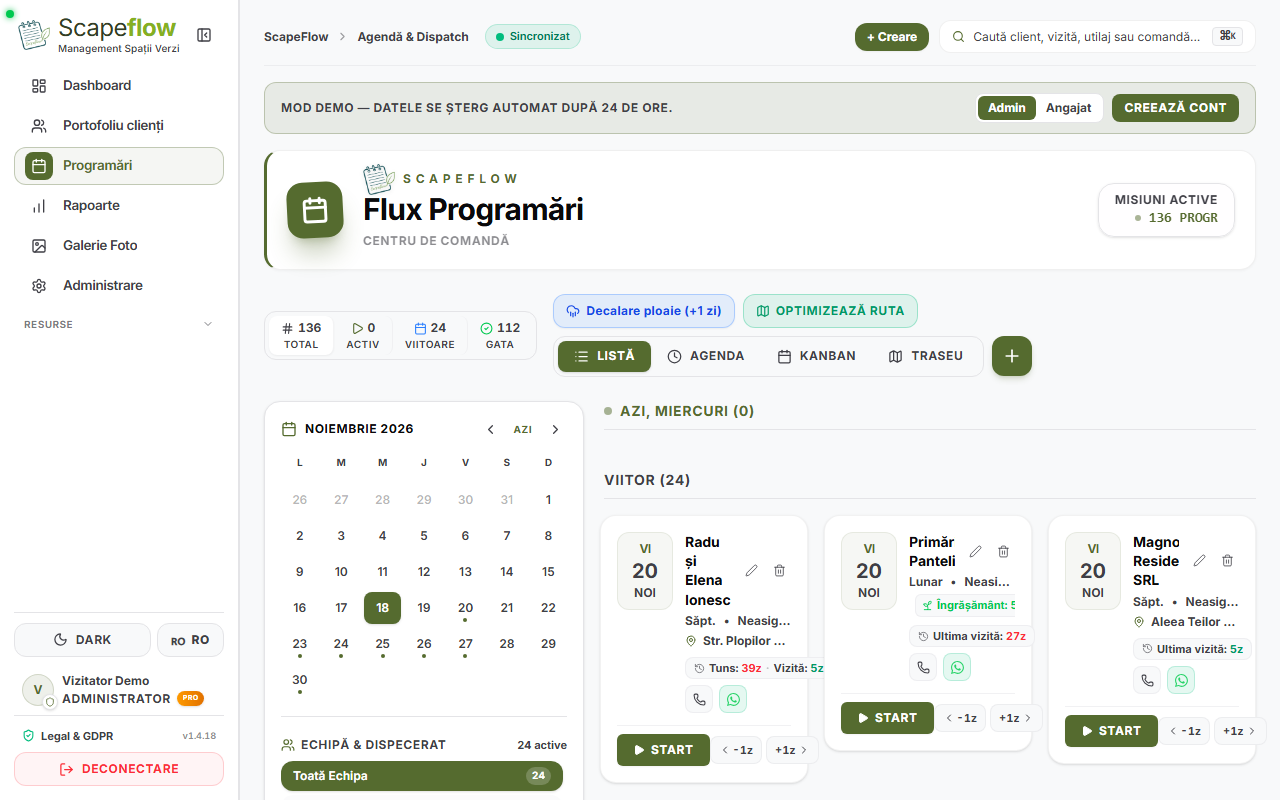
Scheduling and map routes
Assign crews by day and hour, switch between list, Kanban and map route, and see the order of visits at a glance.
PDF quotes and a payments ledger
Send quotes as PDFs, track recurring jobs, and keep payments and expenses in one place instead of separate spreadsheets.
Time tracking, services and before/after photos
Crews start and stop the timer from their phone, tick off the services they did and upload photos straight to the client file.
Fertilizer calculator and equipment records
Work out how many bags of fertilizer a lawn needs and know when each machine is due for service.
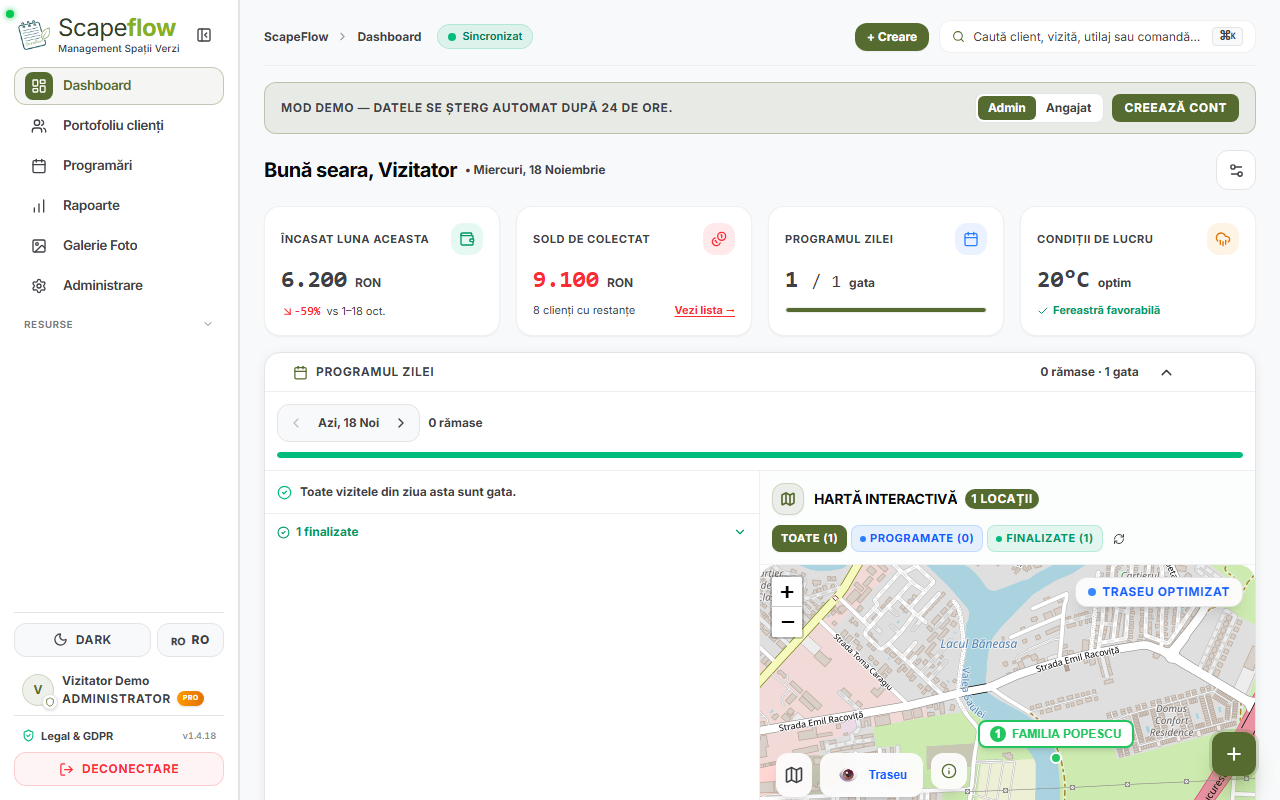
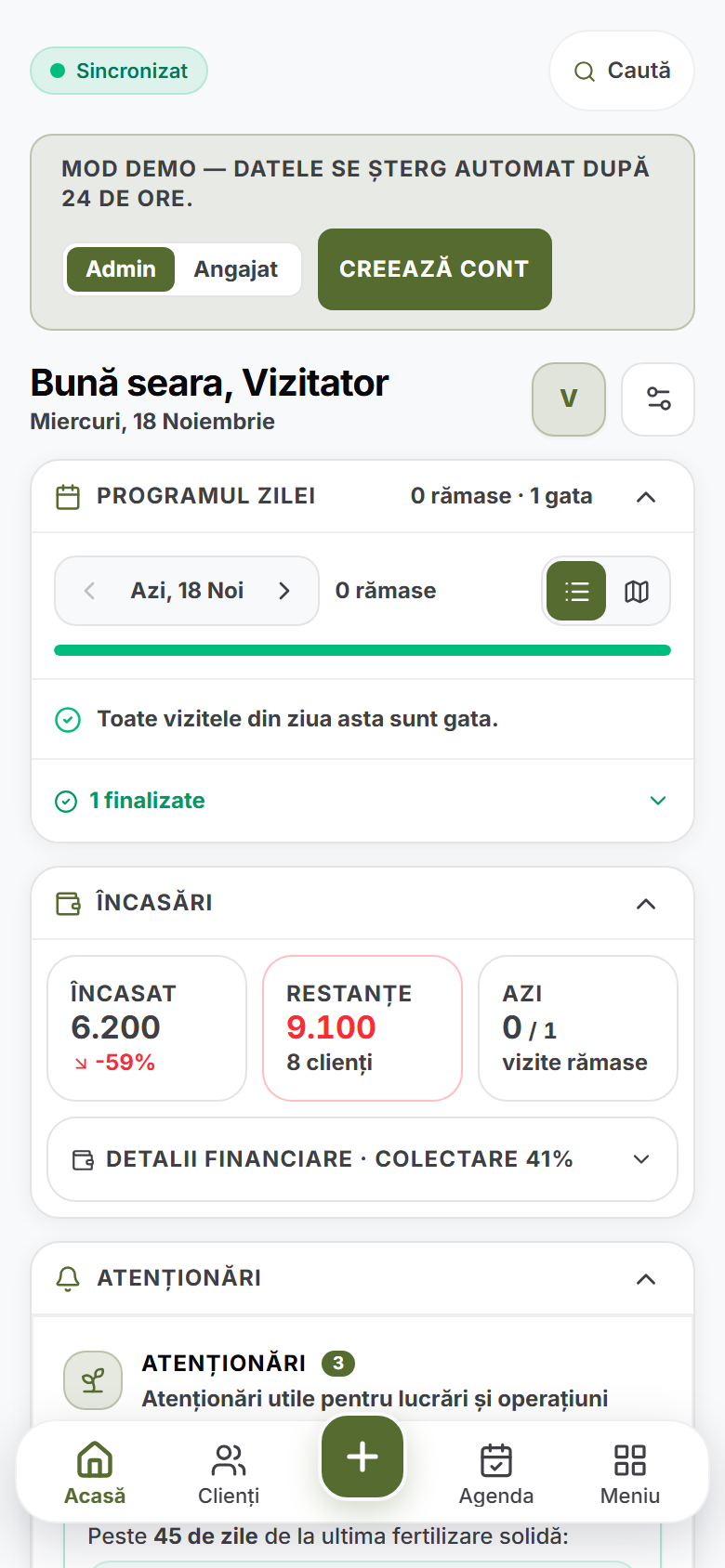
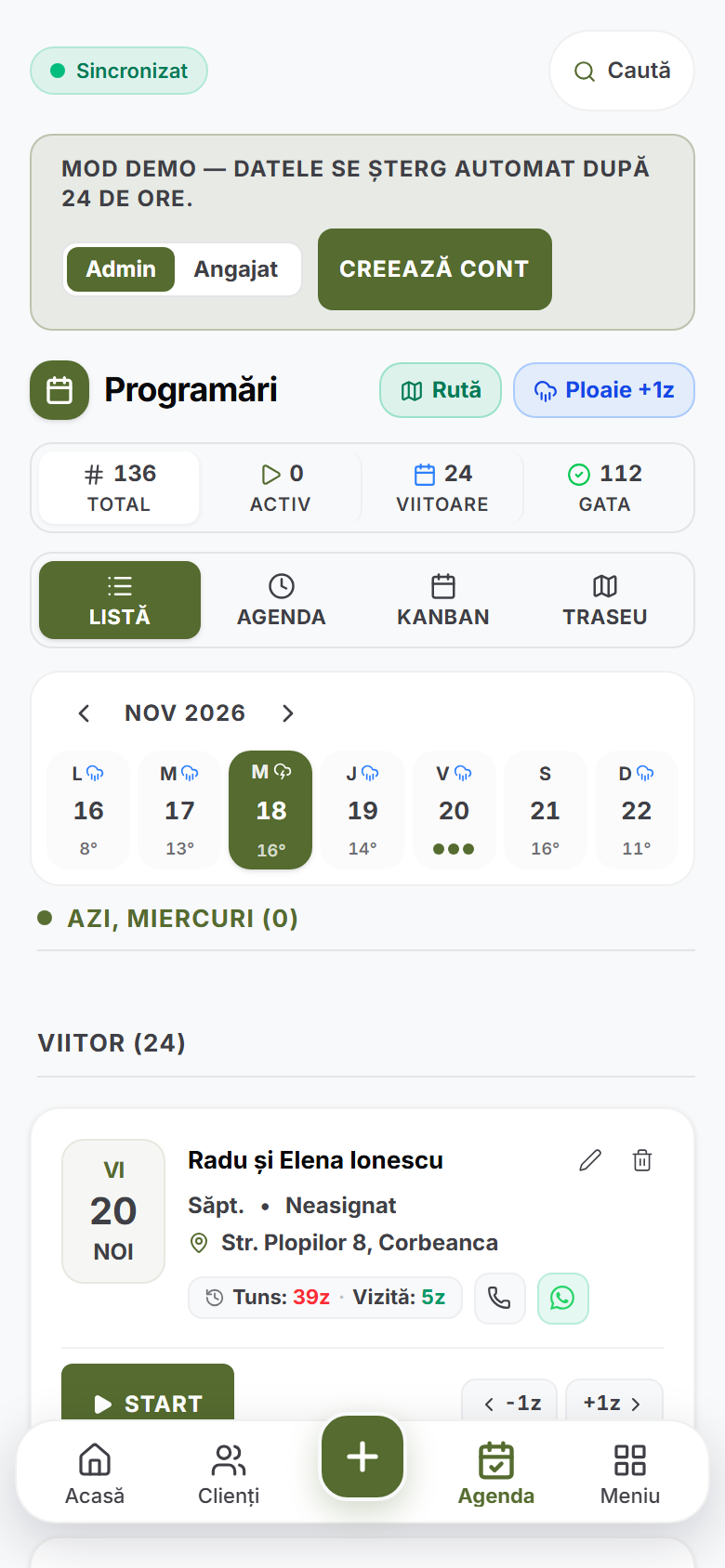
How ScapeFlow looks on desktop and mobile
At the office you see everything at a glance. In the field you get only what you need on screen.
Excel & WhatsApp vs. ScapeFlow
The difference between scattered chats and a business organized from field to office.
Excel & WhatsApp
Old way- Appointments lost in chat threads or double-booked crews
- Routes planned by guesswork, wasting fuel and driving hours
- Quotes rebuilt manually in Word/Excel and delayed invoices
- No client photo history, warranty tracking, or equipment logs
- Approximate worked hours and forgotten visits left unbilled
ScapeFlow
All-in-one- Centralized crew calendar + automatic rain rescheduling alerts
- Map-optimized routes and 1-click “On my way” client updates
- Instant PDF quotes + accounting / invoicing integration & company tax ID lookup
- Client record with before/after gallery, warranties & equipment
- Field Start/Stop time tracking ready for payroll and timesheets
Pick the plan that fits your business
Try Starter or Pro free for 14 days, no credit card required.
The 14 days start with the first job you open in the app, no card needed, so you lose nothing while you are not using it.
Free
See how it works, no card needed.
- Up to 5 clients
- Administrator only
- Schedule and visit history
Starter
(Or annual: 79 € / year)
For solo operators or with one helper.
- Up to 30 clients
- Administrator + 1 employee
- Calendar, list and Kanban
- PDF quotes and photo gallery
- Mobile app (PWA) that works offline
Pro
(Or annual: 169 € / year)
For teams that want field and office fully organized.
- Unlimited clients and properties
- Administrator + up to 5 employees
- Invoicing through SmartBill / FGO and company lookup by tax ID via ANAF (Romania)
- Route optimization + Google Calendar sync
- Automatic rain rescheduling (Open-Meteo + WhatsApp)
- Client portal and “On my way” message
- Payments and expenses ledger, equipment records
Lifetime
Pay once, keep Pro forever. Limited launch offer.
- Everything in Pro, for life
- No monthly fee
- Updates included
- First 100 customers only
Frequently asked questions
Who is ScapeFlow built for?
For landscaping, lawn care, garden maintenance, and irrigation businesses — from solo operators to multi-crew companies.
Does it work on mobile and offline?
Yes. ScapeFlow installs straight from your browser as a mobile PWA on Android and iOS. Loaded job data stays accessible offline in low-signal areas and syncs automatically.
How does it handle invoicing and crew time tracking?
It supports accounting / invoicing integration, company tax ID lookup, and field Start/Stop time logs exportable for payroll and timesheets.
How does the 14-day free trial work?
No credit card is required to sign up. Your 14-day trial begins only when you open your first job in the app, so setup time never wastes your trial.
How do I cancel if it is not the right fit?
You can cancel anytime directly from your account settings with no lock-in or hidden fees. You are never charged automatically after the trial unless you subscribe.
Do you provide support and data migration help?
Yes. Use the Contact button in the footer and we will help you import your existing clients from Excel/CSV and get your crews started.